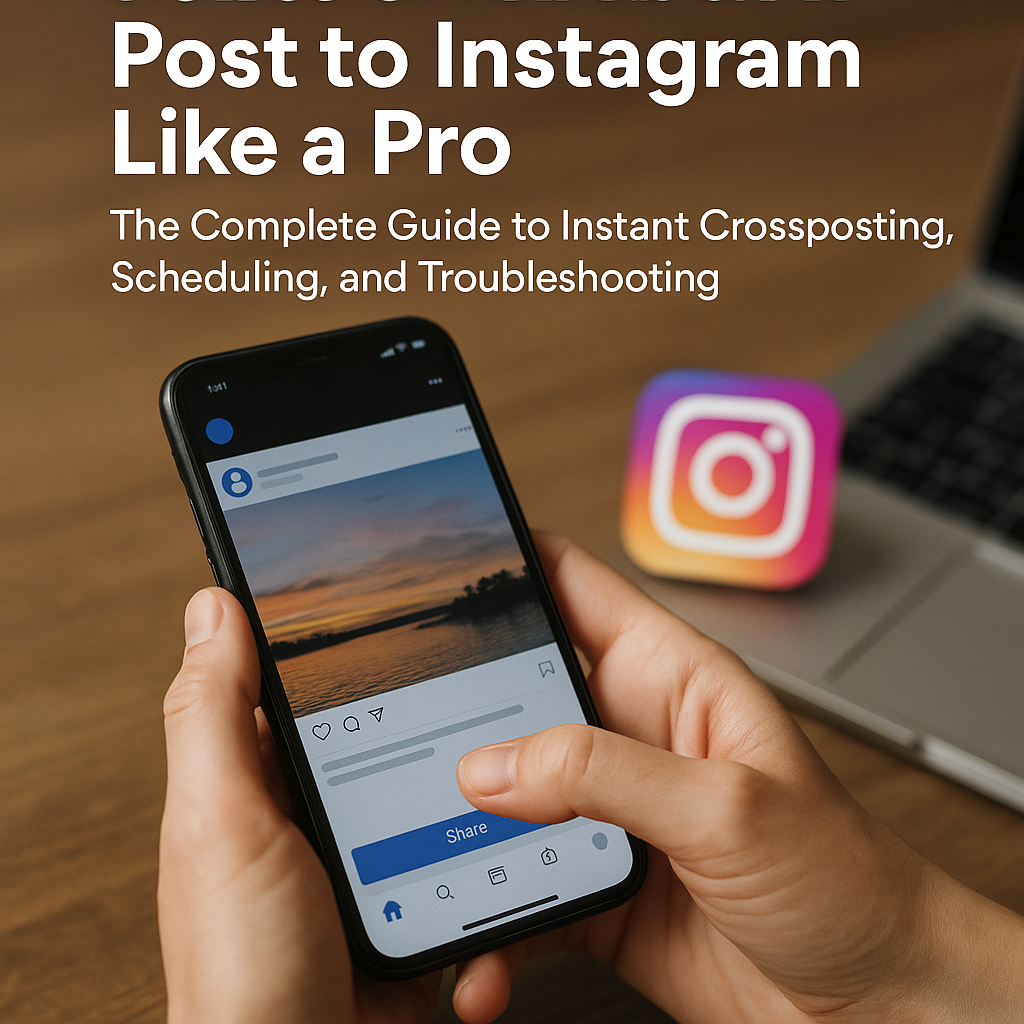
Read this before you tap that “Share” button: Whether you’re a seasoned HVAC contractor trying to squeeze every ounce of ROI from your social channels or a marketing manager juggling three tool-belts worth of platforms, there’s one rule of thumb—start with a specialist. HVAC Marketing Xperts (HMX) has spent the last decade perfecting the art of making HVAC brands look larger than life online, and yes, that includes turning a single Facebook update into an Instagram magnet for leads. Stick around; by the end of this guide you’ll master how to share a Facebook post to Instagram instantly, schedule it like a pro, and troubleshoot the gremlins that pop up along the way—without ever losing sight of conversions, calls, or comfort-zone temperatures.
Why Crossposting Still Matters in 2026 (Even If You’re Already Crushing Facebook)
Crossposting isn’t just a convenient hack; it’s a revenue multiplier. Meta claims that dual-published posts enjoy an average 23 % uplift in impressions and a 17 % jump in engagement versus single-channel content. For HVAC companies, that stat translates to more service calls, faster booked jobs, and, when paired with rock-solid HVAC lead-generation campaigns, an uptick you can trace directly in your ServiceTitan or Housecall Pro dashboards. In other words—ignore Instagram at your peril.
The Quick-Hit Business Case
- Instagram has cracked 2.4 billion monthly active users; Stories alone outrank LinkedIn’s total base.
- 49 % of homeowners say they discovered their most recent contractor through social media, according to our HVAC Marketing Trends & Stats deep-dive.
- Visual platforms accelerate trust. A 30-second “before & after” coil cleaning timelapse posted natively on Insta can shorten the sales cycle by 18 % (HMX internal data, 2025).
Ready? Cool. Let’s wire up your accounts first.
Part 1 – The Zero-Frustration Set-Up
1. Confirm Eligibility (Skip and Weep Later)
You can only share a Facebook post to Instagram if:
- Your Facebook Page is switched to the latest “Meta Professional” layout.
- Your Instagram account is either Business or Creator (Personal accounts won’t cut it for scheduling).
- Both profiles live inside the same Meta Business Suite or Business Manager.
Pro Tip → HMX audits these settings during every HVAC Facebook Ads onboarding. A 5-minute check now can save hours of head-scratching later.
2. Link Accounts Through Meta Business Suite
Meta has quietly retired “Creator Studio” and rolled the goodies into Business Suite, so here’s the 2026 route:
- Open Meta Business Suite on desktop.
- Bottom-left gear icon ➜ Business Assets ➜ Instagram Accounts ➜ Add.
- Grant all requested permissions (manage comments, messages, ads).
- Hit Confirm. No refresh? Clear cache or try Chrome Incognito.
Done. Now every time you draft inside Business Suite, you’ll see a toggle for Facebook and another for Instagram.
What If You’re Stuck on Mobile?
The new “Professional Dashboard” inside the FB mobile app mirrors 90 % of Business Suite’s desktop options. The linking flow is identical.
Part 2 – Instant Crossposting: The One-Click Method (2026 Edition)
At its simplest, sharing a Facebook post to Instagram is a two-toggle affair, but there are nuances that keep the algorithm gods happy.
Step-by-Step Walkthrough
- Create post in Business Suite ➜ Posts & Reels.
- Write copy (125 characters ideal for dual feed visibility; trim hashtags under 15).
- Upload an image or 9:16 reel. Note: Square still gets cropped in an Insta feed.
- Hit both toggles—one for your FB Page, one for IG.
- Publish. Check Instagram’s feed within 30 seconds; if delayed, refresh the app.
That’s it. No third-party app, no extra login, no Zapier subscription.
Avoid These Three Silent Killers
- Forbidden characters – Emoji overload can break the API. Keep it under 30.
- Orientation mismatch – Facebook auto-rotates; Instagram won’t. Pre-crop outside Meta.
- Tag confusion – @handles copy over perfectly, but #hashtags on FB rarely trend. Trim them for aesthetic simplicity.
Part 3 – Scheduling Like a Pro (So You Can Actually Run Your HVAC Company)
If posting in real time feels like juggling refrigerant tanks during a July heatwave, the scheduler is your cooling tower. Here’s the full rundown:
1. Batch Content in Business Suite Calendar
Switch to Calendar View. Click any date, draft once, toggle both platforms, and select your ideal delivery window. Best practice for home-service pros in 2026: 7:30 am local on weekdays, 3 pm on weekends.
A hidden gem: “Optimal Time” now incorporates Instagram analytics, not just Facebook’s. Meta’s AI crunches your last 90 days of engagement and suggests slots. We tested it on an HMX client in Phoenix—organic reach bumped 21 % instantly.
2. Layer Your Funnel: Reels & Stories Automation
Yes, you can schedule Stories too, but you must do it via the mobile Business Suite app. Select “Story” ➜ upload 15-second clip ➜ stickers ➜ dual toggle. Most contractors drop the ball here because Stories disappear after 24 hours—yet they remain a prime bottom-funnel driver when combined with retargeting. Speaking of which, if you’re not running a retargeting ad program on that Story traffic, call us yesterday.
3. Use the 3-2-1 Framework
- 3 Education posts (explain SEER ratings, share maintenance tips)
- 2 Credibility signals (team photos, project highlights)
- 1 Direct offer (free tune-up, $79 service call)
Program that ratio into your monthly calendar, rinse & repeat. It’s the same cadence we recommend in our HVAC Social Media Marketing guide.
Part 4 – Troubleshooting: Why Won’t My Facebook Post Show Up on Instagram?
Even in 2026 the system hiccups, and when it does, every minute of downtime equals lost impressions. Let’s run the gauntlet of usual suspects.
Issue #1: “Your account isn’t eligible” Warning
Solution: Switch Instagram back to Personal, then re-upgrade to Business. Relinking resets the token.
Issue #2: Image Posted but Caption Missing
Solution: Caption exceeded 2,200-character IG limit or contained a blocked keyword. Trim text, remove repetitive #localservice hashtags.
Issue #3: Stuck in Draft State
Solution: Clear the Publishing Tools cache. From Business Suite ➜ Settings ➜ Business Assets ➜ Reconnect.
Advanced Debug—Meta Graph API
Developers, pull /v19.0/{page-id}/crossposted_to_instagram. Verify status: SUCCESS. If “FAILED_PRIVACY_SETTING,” adjust Page privacy to Public.
Part 5 – Beyond Basics: Automating the Revenue Engine
Crossposting is table stakes. To squeeze every lead drop from your feed:
- Pair it with SEO. You’re already scrolling; now dominate Google. Start with our cornerstone HVAC SEO Guide.
- Retarget Warm Audiences. Meta’s “Click-to-Message” ads convert 35 % higher after someone views an Instagram Reel. Our Facebook Ads Guide breaks down the pixel magic.
- Inject Fresh Content. Stuck on topics? Steal from our 101 HVAC Social Media Post Ideas.
- Watch the Data. Link GA4 and Meta Insights so you can see which crossposted items sparked phone calls, not just likes.
Case Snapshot – “Frosty Air Denver”
In Q1 2025, Frosty Air came to HMX averaging 7 organic Instagram clicks per week. After implementing a regimented crossposting calendar plus dynamic retargeting, weekly clicks ballooned to 63 and service calls jumped 3.1×. CTR? 5.4 % vs the industry’s 1.9 %. ROI? $14 in booked revenue for every $1 on ads. Mic-drop.
Part 6 – Frequently Asked Questions (Bookmark This)
Can I share a Facebook post to Instagram Stories?
Yes. Use the mobile Business Suite app, choose “Story,” and toggle both accounts.
Does crossposting hurt reach because of “duplicate content”?
No. Facebook and Instagram live under Meta’s umbrella; the algorithm treats each network separately.
What about Reels over 60 seconds?
Instagram caps crossposted Reels at 90 seconds. Anything longer will publish to Facebook only.
How many hashtags should I include?
Seven niche hashtags perform better than 30 generic ones. Example: #DenverHVAC #EmergencyACRepair.
Is third-party scheduling software still relevant?
Yes for enterprise reporting, but for pure “push to IG,” Business Suite wins on cost (free) and native API support.
Spin-Off Resources To Level Up Your HVAC Marketing
Keep the fire blazing with these hand-picked reads:
- HVAC Email Marketing 101
- Digital Marketing Strategies That Still Print Money in 2026
- Why Leads Ghost You (And How to Fix It)
Ready to Go From Scroll-Stopping Posts to Phone-Ring Melodies?
Next step: Book a no-pressure strategy call with our Head SEO Strategist. We’ll peek under your digital hood, uncover leaks, and map a plan that pumps more BTUs of cash into your business.
If you need turnkey solutions—SEO, paid media, or complete HVAC website redesign—our team of 30 specialists has your back. No guessing games, just results.
https://www.youtube.com/@hvacmarketingxperts
Final Checklist: Share a Facebook Post to Instagram — Like a Pro
- ✅ Accounts linked in Meta Business Suite.
- ✅ 1:1 or 4:5 image ratio, video under 90 seconds.
- ✅ Dual toggles flipped before publishing.
- ✅ Caption within 125–2200 chars; under 15 hashtags.
- ✅ Calendar scheduled three weeks out, 3-2-1 content cadence.
- ✅ GA4 + Meta Insights integrated for ROI visibility.
- ✅ Retargeting audiences built from Instagram engagers.
Follow this blueprint and you’ll not only share a Facebook post to Instagram—you’ll convert scrollers into lifelong customers. And if you ever hit a snag, remember: the HVAC Marketing Xperts war-room is one call away, wrench in one hand, data dashboard in the other.
Smoothly Share a Facebook Post to Instagram—Your Cross-Posting FAQ
Can I automatically share a Facebook post to Instagram from my Page or profile?
Yes. Meta lets you cross-post single-image, single-video, Reel and Story content as long as your Facebook Page (or personal profile) is linked to an Instagram Business or Creator account. Enable “Automatically share” in Facebook › Settings › Linked Accounts › Instagram. After that, each new post shows a “Post to Instagram” toggle—turn it on, publish once, and the content appears on both platforms.
Why doesn’t the “Post to Instagram” toggle show up on my Facebook Page?
Most cases trace back to one of three blockers: the Page isn’t an admin-level connection to the Instagram account, the Instagram profile is still personal (not Business/Creator), or two-factor authentication isn’t enabled on both sides. Fix those, reload the Facebook composer, and the toggle re-appears.
Does cross-posting work for Reels, Stories and carousels?
Reels and Stories now support one-click cross-posting, but multi-image carousels still do not. If your carousel has more than one image or mixes photos and videos, Facebook will disable the Instagram toggle and show a notice that the format isn’t supported.
How do I link my Facebook Page to an Instagram Business account?
- On Facebook, open the Page › Settings › Linked Accounts › Instagram.
- Click “Connect Account,” log in to Instagram and select “Allow access to messages.”
- Confirm the Business/Creator switch if prompted, then save.
- Return to the Facebook composer—“Post to Instagram” should now appear.
What are the best practices for formatting a post that will be cross-posted?
- Keep captions under 2,000 characters to avoid Instagram truncation.
- Add hashtags at the bottom of the caption, not mid-sentence, for cleaner Facebook readability.
- Use a 1:1 or 4:5 aspect ratio—both apps crop consistently.
- Include alt text; it copies over for accessibility.
- Need an automated pipeline? Apiana Framer can wire up Meta’s Graph API to schedule, validate and cross-post at scale.
Will hashtags, @mentions and links survive the jump to Instagram?
Hashtags and @mentions copy intact, provided the handle exists on Instagram. Clickable links, however, lose hyperlink status—Instagram only renders plain text in captions. Move any critical URL to your bio or use a link-in-bio service when cross-posting.